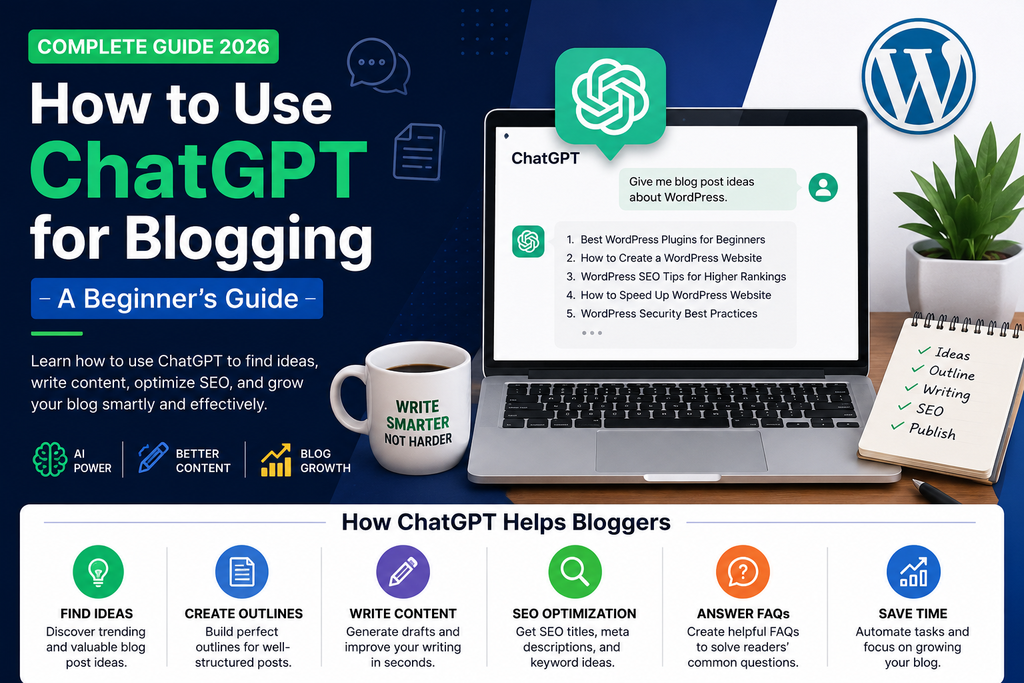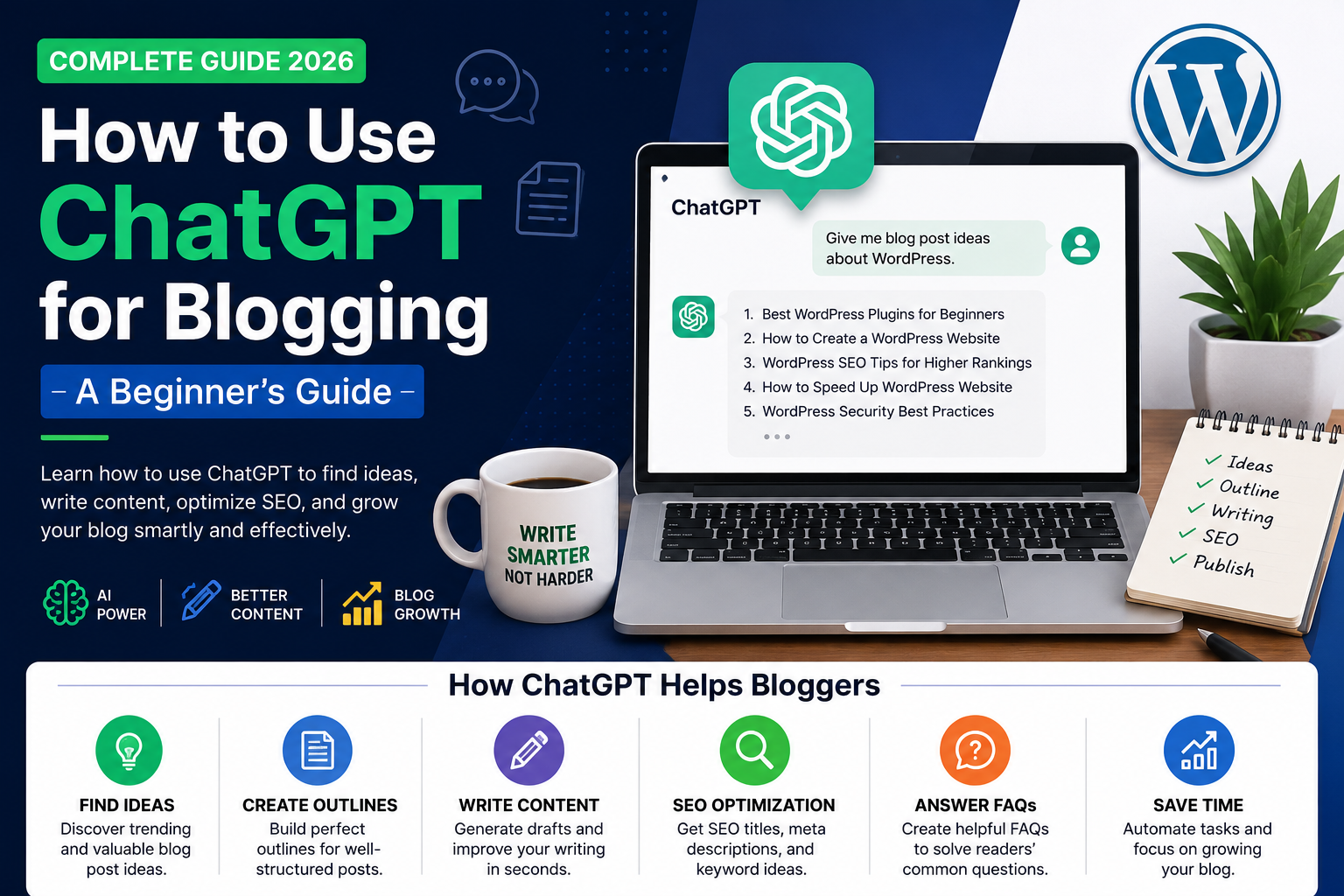
ChatGPT can help bloggers generate article ideas, create outlines, improve writing, and organize their content workflow. When used correctly, it can save time and help you produce more useful content for your audience.
However, publishing AI-generated text without reviewing it can lead to inaccurate information, repetitive writing, and articles that do not meet readers’ needs. In this guide, you will learn how to use ChatGPT effectively for blogging in 2026.
1. Find Blog Post Ideas
One of the easiest ways to use ChatGPT is to brainstorm article ideas for your niche.
For example, if your website covers WordPress, you can ask ChatGPT to suggest topics for beginners, website owners, and bloggers.
Example prompt:
“Suggest 20 useful blog post ideas about WordPress for beginners. Focus on common problems, practical tutorials, and topics that answer specific questions.”
Review the suggestions and choose topics that match your audience and website.
2. Create an Article Outline
Before writing a complete article, prepare a clear outline. This helps organize your ideas and makes the article easier to read.
Example prompt:
“Create an SEO-friendly outline for an article titled ‘How to Create a WordPress Website in 2026.’ Include an introduction, beginner-friendly steps, common mistakes, frequently asked questions, and a conclusion.”
Review the outline and remove sections that do not add value.
3. Write a Useful First Draft
ChatGPT can help you turn an outline into a first draft. Give it clear instructions about the audience, tone, length, and information you want to include.
Example prompt:
“Write a beginner-friendly draft about installing WordPress. Use simple English, clear headings, practical instructions, and original examples. Do not invent facts or claim that you tested anything.”
Treat the result as a draft, not a finished article. Add your own experience, screenshots, examples, and verified details.
4. Improve Your Article’s Readability
If a paragraph is difficult to understand, ask ChatGPT to simplify it without changing its meaning.
Example prompt:
“Rewrite this paragraph in clear, simple English. Use active voice, short sentences, and a friendly tone. Keep all technical details accurate.”
You can also use ChatGPT to remove repetition, improve transitions, and make headings clearer.
5. Generate SEO Titles and Meta Descriptions
ChatGPT can suggest SEO titles, meta descriptions, headings, and relevant keyword variations.
Example prompt:
“Suggest five natural SEO titles and three meta descriptions for an article about WordPress plugins for beginners. Keep the titles relevant and avoid exaggerated promises.”
Choose a title that accurately describes your article. Do not repeat keywords unnaturally or promise results that your content cannot deliver.
6. Create Frequently Asked Questions
Frequently asked questions can help address readers’ common concerns.
Example prompt:
“Suggest six useful questions a beginner might ask after reading a guide to WordPress website development. Provide concise draft answers and identify any technical details that need verification.”
Only include questions that genuinely help your readers. Make sure answers are accurate and relevant.
7. Use ChatGPT to Update Old Articles
Older posts may contain outdated instructions, broken links, or information that is no longer correct.
Ask ChatGPT to review the text and identify details that need checking. Then verify those details against current official documentation before editing your article.
Updating an article should improve its usefulness, not simply change its publication date.
8. Add Your Own Experience and Examples
Your own contribution is important. Add screenshots from your WordPress dashboard, practical examples, original explanations, and lessons learned while using tools.
Do not claim you tested a plugin, visited a website, or achieved a particular result unless that is true.
Helpful, trustworthy content is more valuable than simply producing a large number of AI-written articles.
9. Review AI-Generated Content Before Publishing
Before publishing an article, check the following:
- Are all facts and instructions accurate?
- Does the article answer the reader’s question?
- Are headings and paragraphs easy to follow?
- Are the examples original and relevant?
- Are links working and pointing to trustworthy sources?
- Are images licensed or otherwise appropriate to use?
- Does the article include useful information beyond generic AI text?
AI tools can make mistakes, so human review remains essential.
10. Publish and Improve Your Blog Post
Once your article is ready, add it to the appropriate WordPress category, choose a suitable featured image, write the SEO title and meta description, and preview it on desktop and mobile.
After publishing, monitor relevant performance data through tools such as Google Search Console. Use what you learn to improve future articles.
Conclusion
ChatGPT can be a helpful blogging assistant for brainstorming, outlining, editing, and organizing content. The best results come from combining AI assistance with accurate research, original insights, and careful editing.
Use AI to improve your workflow rather than replace the work needed to create genuinely helpful content.
For more practical guides on AI tools, WordPress, SEO, and online growth, explore the latest tutorials on TigarBlogger.