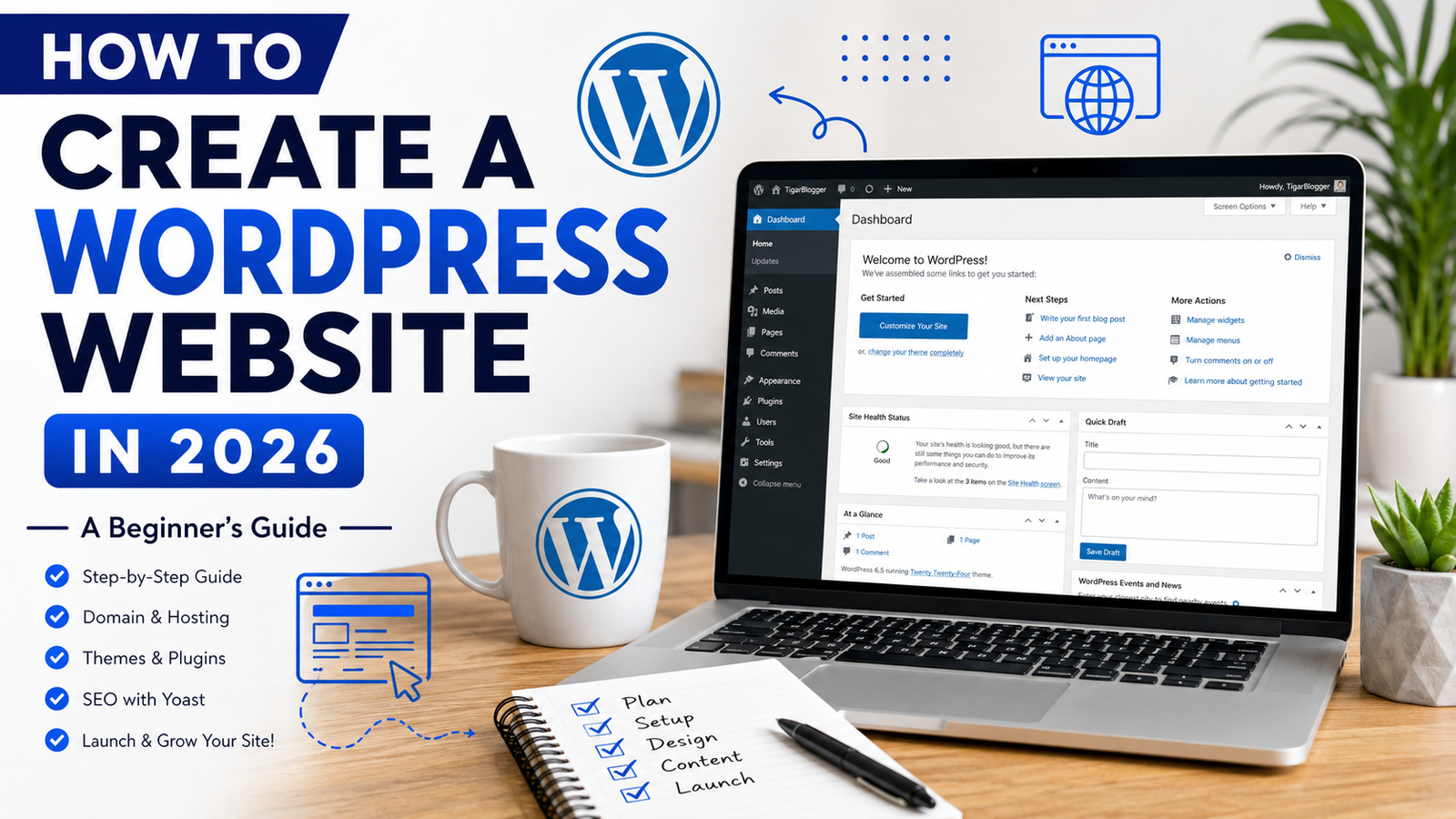
How to Create a WordPress Website in 2026 Full Time NEW
Creating a website is easier than ever with WordPress. Whether you want to start a blog, build a business website, showcase your services, or publish tutorials, WordPress provides the tools you need to get started without advanced coding skills.
In this beginner-friendly guide, you will learn how to create a WordPress website in 2026, choose a domain name, set up hosting, install a theme, create important pages, and optimize your website for search engines.
For more details contact us at Tigarblogger.com.
For a video guide visit my YouTube channel @Tigarblogger.
What Is WordPress?
WordPress is a popular content management system (CMS) that allows users to create and manage websites. You can use it to build blogs, business websites, portfolios, online stores, and many other types of websites.
One major advantage of WordPress is its flexibility. You can customize your website with themes and plugins according to your needs.
WordPress.org software is free to use, although you will generally need to pay for domain registration and web hosting to run a self-hosted website.
Step 1: Choose a Domain Name
A domain name is your website’s address on the internet. For example, TigarBlogger.com is a domain name.
Choose a domain name that is easy to remember, relevant to your brand, and simple to spell. If possible, select a suitable domain extension such as .com for a website targeting an international audience.
Before purchasing a domain, check its availability and make sure the name does not conflict with an existing trademark.
Tips for choosing a good domain name:
- Keep it short and memorable.
- Avoid unnecessary numbers and hyphens.
- Choose a name that fits your long-term goals.
- Check spelling and brand availability.
- Use a reputable domain registrar.
A suitable domain name helps establish your brand identity and makes your website easier to recognize.
Step 2: Purchase Web Hosting
Web hosting stores your website’s files and makes them accessible online. When selecting a hosting provider, consider performance, security, customer support, backup options, and pricing.
Many hosting companies offer WordPress-compatible hosting plans with tools that simplify website installation.
Before selecting a plan, compare renewal prices, storage limits, bandwidth policies, email features, and the number of websites supported.
If you are starting your first blog or small business website, you may not need an expensive hosting plan immediately. Choose a plan that fits your current needs and allows room for growth.
Step 3: Install WordPress
Once you have a domain and hosting account, the next step is to install WordPress.
Many hosting providers include an automatic WordPress installer in their control panel.
Follow these general steps:
- Log in to your hosting account.
- Open the website or WordPress management section.
- Select the option to install WordPress.
- Choose your domain name.
- Set a secure administrator username and password.
- Complete the installation and open your WordPress dashboard.
The exact steps may differ depending on your hosting provider.
After installation, visit your website and log in to the dashboard to start customizing it.
Step 4: Choose a Professional WordPress Theme
A WordPress theme controls the visual appearance and layout of your website.
Choose a theme that matches your website’s purpose. A blog may need a clean article layout, while a business website may require service pages, testimonials, and prominent contact buttons.
When evaluating themes, consider:
- Mobile responsiveness
- Loading performance
- Customization options
- Compatibility with important plugins
- Accessibility and readability
- Regular maintenance and support
You can explore themes through Appearance → Themes in your WordPress dashboard.
If you use a theme such as WorkScout, review its available features before building your pages. Some themes are designed specifically for job boards or marketplaces and may require additional customization for a general blog or service website.
Avoid installing unnecessary themes and plugins because they can complicate maintenance and increase security risks.
Step 5: Create Essential Website Pages
Every professional website should have a clear structure. Essential pages help visitors understand your website, find information, and contact you.
Consider creating the following pages:
Home: Introduces your brand, highlights important content, and guides visitors to key sections.
About Us: Explains your website’s purpose, background, and areas of expertise.
Our Services: Describes the services you actually provide, including their scope and how clients can request a quotation.
Blog: Displays your articles, tutorials, guides, and educational resources.
Contact Us: Provides a working contact form or reliable contact information.
Privacy Policy: Explains how you collect, use, store, and share personal information.
Terms and Conditions: Describes the rules for using your website and any applicable service terms.
You may also need a disclaimer, cookie policy, or refund policy depending on your website’s features and business activities.
Make sure your navigation menu is easy to understand and works properly on mobile devices.
Step 6: Install Essential WordPress Plugins
Plugins extend the functionality of a WordPress website. They can help with SEO, security, backups, forms, and performance.
However, you should install only the plugins you actually need.
Useful plugin categories include:
SEO plugin: Yoast SEO can help you manage SEO titles, meta descriptions, XML sitemaps, and other search optimization settings.
Security plugin: A suitable security solution can help monitor threats and strengthen your website’s protection.
Backup plugin: Regular backups help you restore your website if something goes wrong.
Contact form plugin: A form plugin lets visitors send inquiries without displaying your email address publicly.
Performance plugin: Depending on your hosting setup, a caching or optimization plugin may help improve loading speed.
Before installing a plugin, check whether your hosting provider or theme already provides the same functionality. Keep your plugins updated and remove those you no longer use.
Step 7: Publish Helpful, Original Content
Publishing useful content is one of the most important parts of building a successful website.
Start by identifying the questions your target audience is searching for. Then create articles that answer those questions clearly and accurately.
For example, a technology blog could publish articles about WordPress tutorials, AI tools, YouTube growth, Canva design, SEO, freelancing, and computer skills.
Use a clear structure for every article:
- Write a descriptive title.
- Introduce the topic and explain what readers will learn.
- Organize the content with useful headings.
- Include practical steps and relevant examples.
- Add original images or useful screenshots where appropriate.
- Link to related articles on your website.
- Review the content for accuracy before publishing.
Avoid publishing large numbers of repetitive or low-value articles just to increase your post count. Focus on providing information that genuinely helps readers.
Step 8: Optimize Your Website with Yoast SEO
Search engine optimization helps search engines understand your content and can improve its visibility in relevant search results. However, no plugin can guarantee first-page rankings.
If you use Yoast SEO, start by selecting a focus keyphrase for each article.
For this tutorial, you could use the keyphrase how to create a WordPress website.
Next, write a descriptive SEO title and a compelling meta description that accurately summarize the article.
Include your main topic naturally in the introduction, relevant headings, and body text. Use a short, descriptive URL slug and add internal links to related pages.
For images, use descriptive filenames and helpful alternative text when appropriate.
Yoast SEO also provides feedback about readability and SEO-related elements. Treat its recommendations as guidance rather than rules that must be followed at the expense of useful writing.
Finally, check that your website is accessible to search engines and consider connecting Google Search Console to monitor indexing and search performance.
Step 9: Make Your Website Mobile-Friendly and Fast
Many visitors browse websites on smartphones, so your pages should display properly on smaller screens.
Test your website on different screen sizes. Make sure the text is readable, buttons are easy to tap, and navigation menus work correctly.
To improve performance:
- Compress large images before uploading them.
- Use an appropriate image format, such as WebP where supported.
- Remove unnecessary plugins and scripts.
- Use caching when compatible with your hosting environment.
- Keep WordPress, themes, and plugins updated.
- Monitor your website with Google PageSpeed Insights.
Website speed depends on several factors, including hosting resources, theme design, images, scripts, and third-party services.
Step 10: Launch and Maintain Your Website
Before announcing your website, review every important page and test all links and forms.
Use this launch checklist:
- Confirm your domain and HTTPS connection work correctly.
- Check your website on desktop and mobile.
- Test the contact form.
- Review titles, descriptions, and URLs.
- Confirm that important pages can be indexed.
- Set up regular backups.
- Remove demo content you do not need.
- Check for broken links and spelling mistakes.
After launch, continue updating your website, improving existing articles, and reviewing your search performance.
Building a website is an ongoing process. Consistent maintenance and useful content can help you develop a better experience for visitors over time.
Conclusion
Creating a WordPress website in 2026 involves choosing a domain, purchasing hosting, installing WordPress, selecting a suitable theme, creating essential pages, and publishing helpful content.
Yoast SEO can assist with important optimization tasks, while performance monitoring, regular backups, and security updates help you maintain your website.
Start with a simple, well-organized website and improve it as your audience and requirements grow.
If you need help with WordPress setup, theme customization, website pages, or SEO, explore the tutorials and digital services available on TigarBlogger.
Ready to build your website? Start with a clear plan, choose reliable tools, and focus on creating value for your visitors.